


Explore the new AI Creative Workflows Specialty Credential.


Product and Experience Design with AI Using Adobe Firefly
Review the available versions and languages.
Explore learning resources.
Becoming an Adobe Certified Professional typically requires 150 hours of hands-on experience and instruction. Explore the resources below to gear up and get inspired.
Tutorials and projects
Practice Tests
Courses
Online courses
Al Foundations for Creativity
(Free)
Adobe Digital Academy | Adobe
AI Tools for Creatives powered by Adobe Firefly (Free)
Adobe Digital Academy | Adobe
.avif)
Prompting for Generative AI
(Free)
Adobe Digital Academy | Adobe
.avif)
Navigating Generative AI Ethics
(Free)
Adobe Digital Academy | Adobe
.avif)
AI-Powered Exploration With Adobe Firefly Boards (Free)
Adobe Digital Academy | Adobe

Leading Creative Projects with AI
(Subscription required)
Coursera
The Firefly exam guide.
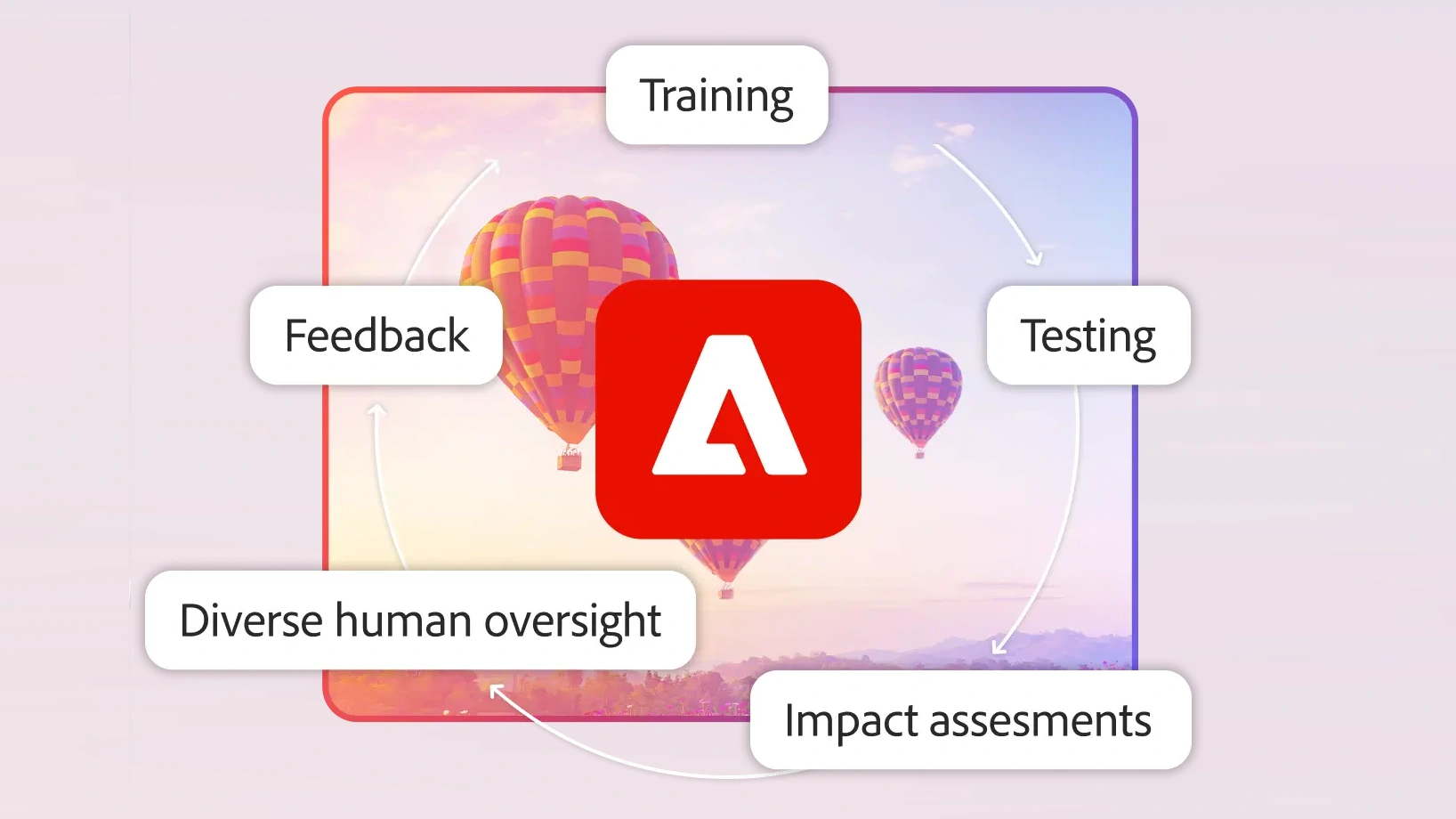
1. AI Concepts and Principles
1.1. Analyze a creative scenario and evaluate available AI model capabilities to select and justify the most appropriate model for the intended outcome.
- 1.1.a Recognize that AI models have different capabilities, strengths, and weaknesses.
- i. Key Concepts: UI/engine limitations, costs/credits, model capabilities
1.2. Perform the role of human users in an AI-supported creation process.
- 1.2.a Evaluate if AI prompt output reflects what client wants.
1.2.b Compare AI output to project requirements.
1.2.c Check for hallucinations and bias.
i. Key Concepts: Human in the loop
1.3. Recognize responsible generative AI use practices.
- 1.3.a Understand the impact of using AI for a task.
- i. Key Concepts: copyright laws, ethics, bias, NDAs, intellectual property
Resources & Tutorials



2. Concepts of Design
2.1. Assess client needs to determine the project goals.
- 2.1.a Define project scope.
- i. Key Concepts: Budget considerations, timeline and constraints, document project goals, requirements, jobs to be done, outcome value, scope creep
- 2.1.b Clarify deliverables.
- i. Key Concepts: brand sentiment and brand persona
2.2. Determine target audiences.
- 2.2.a Generate personas based on audience description.
i. Key Concepts: AI generated avatars
2.2.b Define empathy mapping and user journey mapping.
2.3. Make design decisions based on research.
- 2.3.a Analyze the competitive landscape.
2.3.b Use research methods.
i. Key Concepts: data that comes from focus groups, workshops and activities, interviews and testing
2.4. Evaluate the application of design fundamentals, design thinking, and technical concepts.
- 2.4.a Evaluate the use of design principles.
i. Key Concepts: composition, color theory, typography, visual hierarchy, white space, consistency and unity
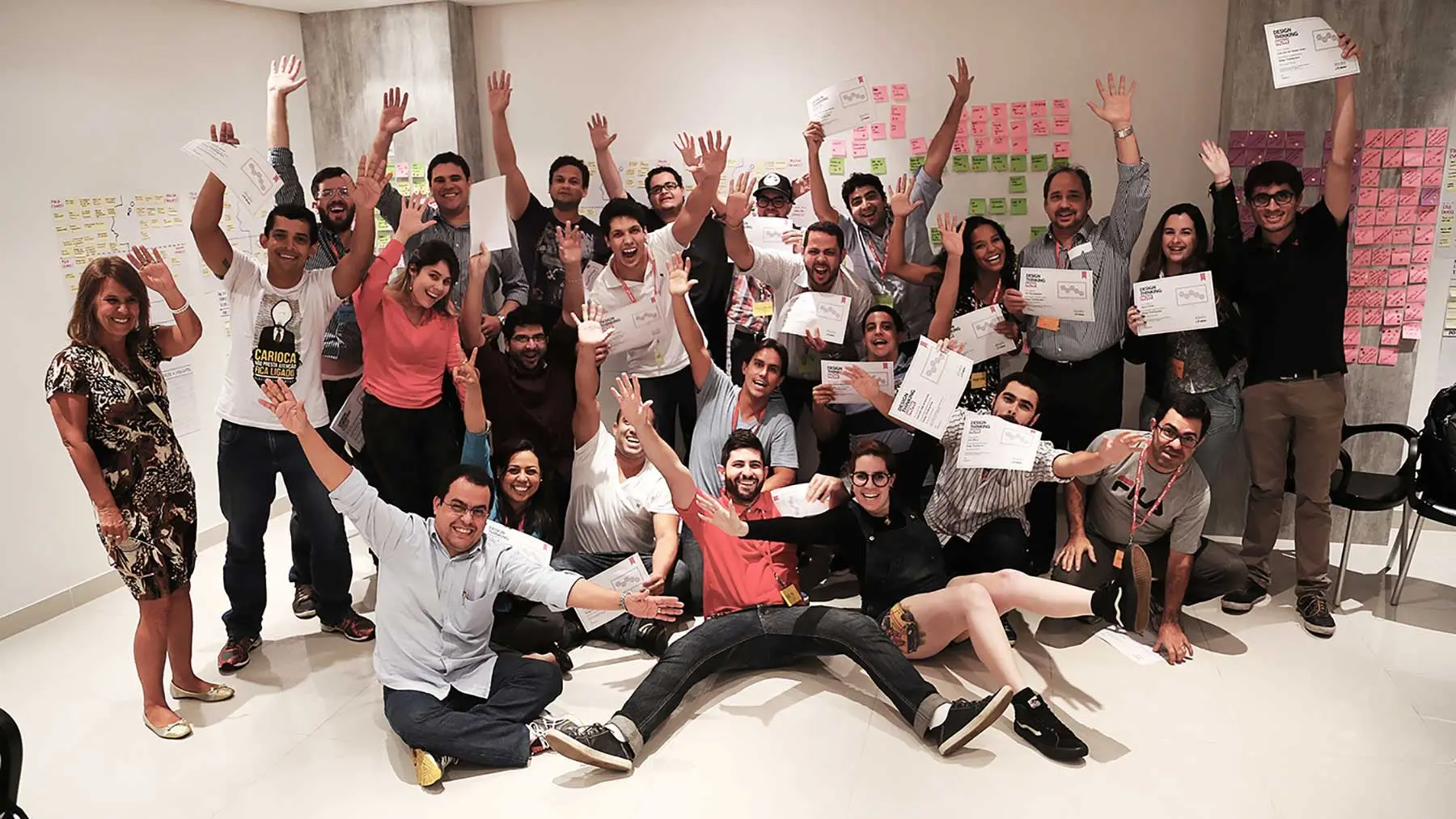
2.4.b Evaluate the use of the design thinking process.
i. Key Concepts: divergence and convergence, design, ideate, produce
2.4.c Evaluate the use of technical concepts.
i. Key Terms: aperture, pan, zoom, tilt, camera angles and shot types
2.5. Adhere to accessibility standards when designing.
- 2.5.a Use best practices to incorporate accessibility standards into designs.
i. Key Concepts: caption videos, proper color contrast, text sizing, alt text, subtitles, audio description, text overlays, audio clarity, motion sensitivity and sensory triggers
Resources & Tutorials
.avif)
.avif)
.avif)
3. Ideation
3.1. Explore a variety of ideas, inspirations, concepts, or visualizations based on research.
- 3.1.a Ideate using project guidelines.
i. Key Concepts: brand guidelines/book/document, style guides
3.1.b Use tools to aid ideation.
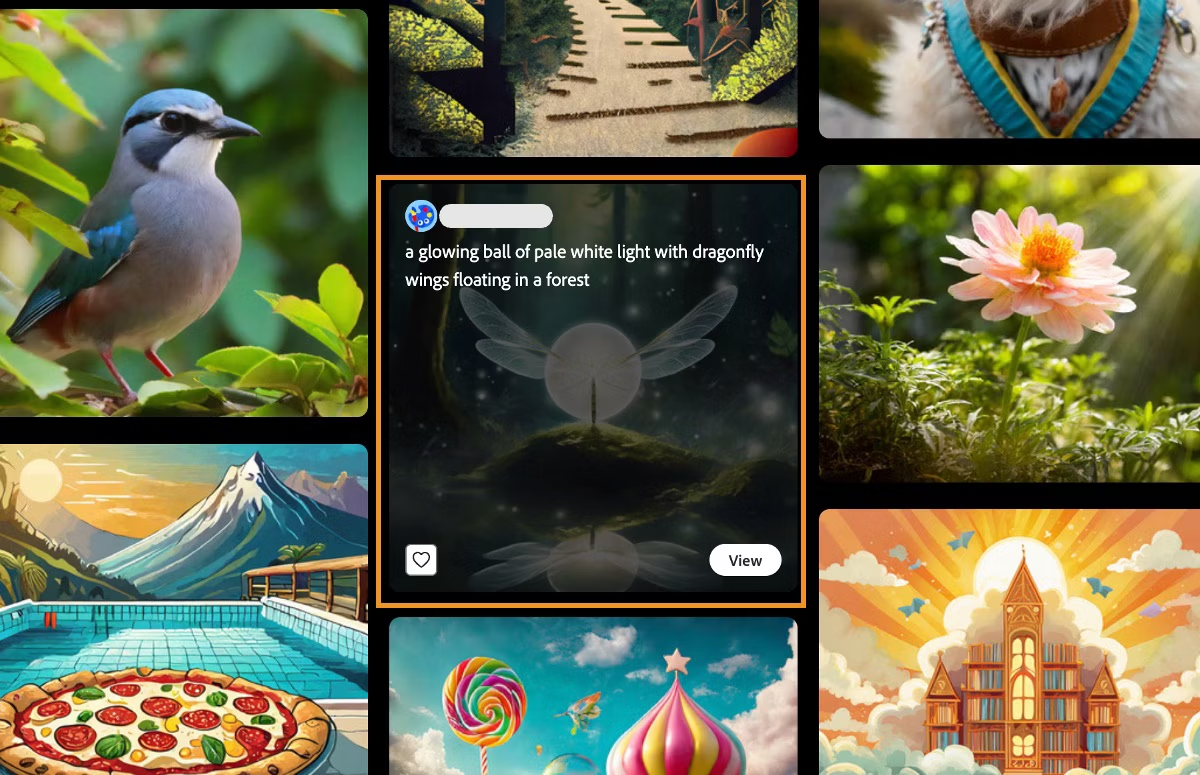
i. Key Concepts: mood boards, style explorations, Firefly boards, generative AI, reference images, styles, tones, remixing content, collaborative ideation
3.1.c Explore community gallery.
3.2. Translate ideation into designs with AI.
- 3.2.a Develop and refine AI prompts to produce imagery aligned with project objectives and style.
3.2.b Use context and references to maintain continuity.
3.2.c Create design examples.
i. Key Concepts: mockups, wireframes, prototypes
Resources & Tutorials

.avif)
4. Creation and Production
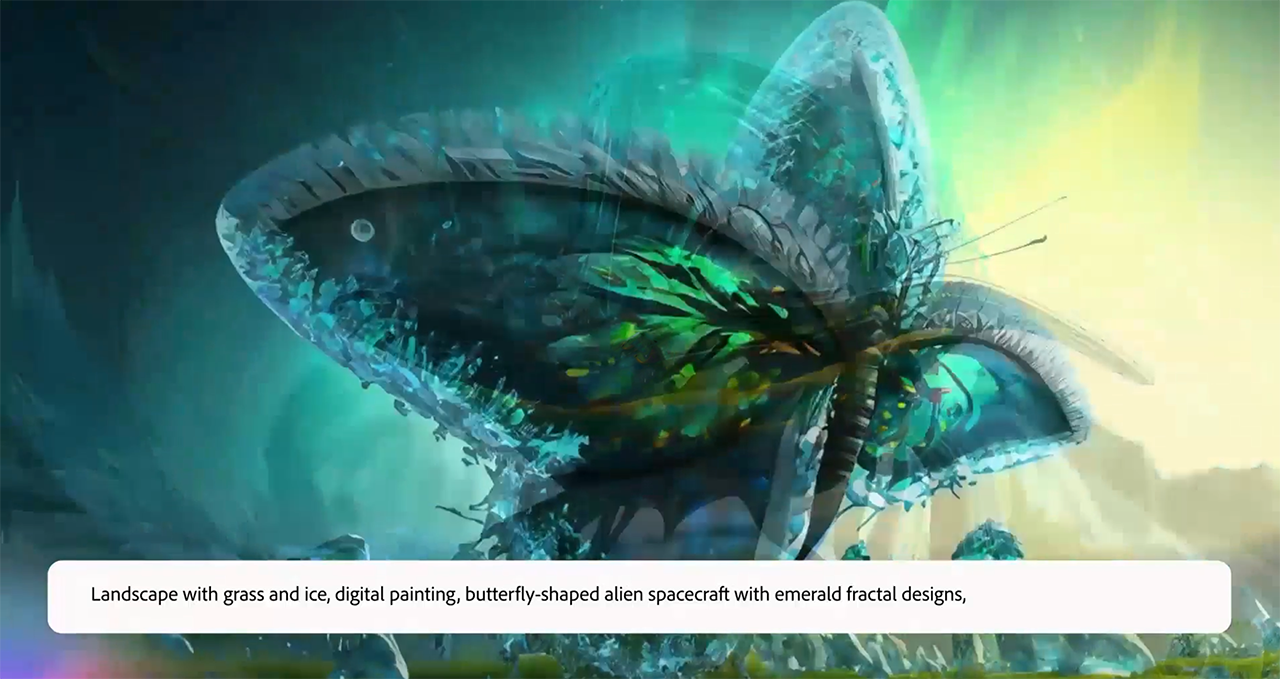
4.1. Generate images.
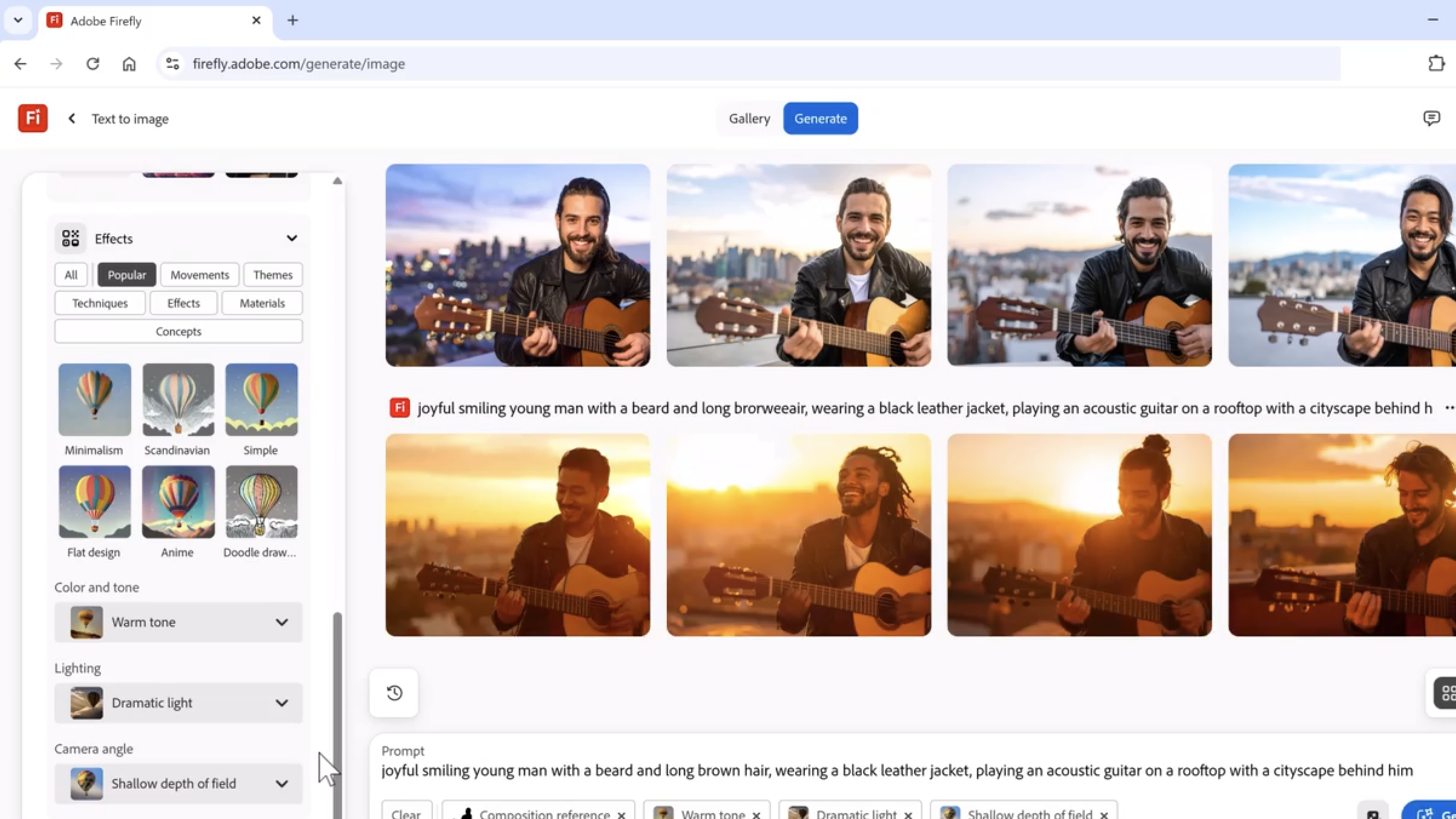
- 4.1.a Use Firefly to generate images.
i. Key Features: text to vector, prompt to edit, transparent images, generative fill, text to image, scene to image, generative recolor, text effects, generate template, remove background, batch production
4.2. Generate video.
- 4.2.a Use Firefly to generate video.
i. Key Features: text to video, image to video, text to avatar, translate video, transparent background, edit video
4.3. Generate sound.
- 4.3.a Use Firefly to generate sound.
i. Key Features: generate soundtrack, generate speech, translate audio, text to sound effect, voice to sound effects, enhance speech
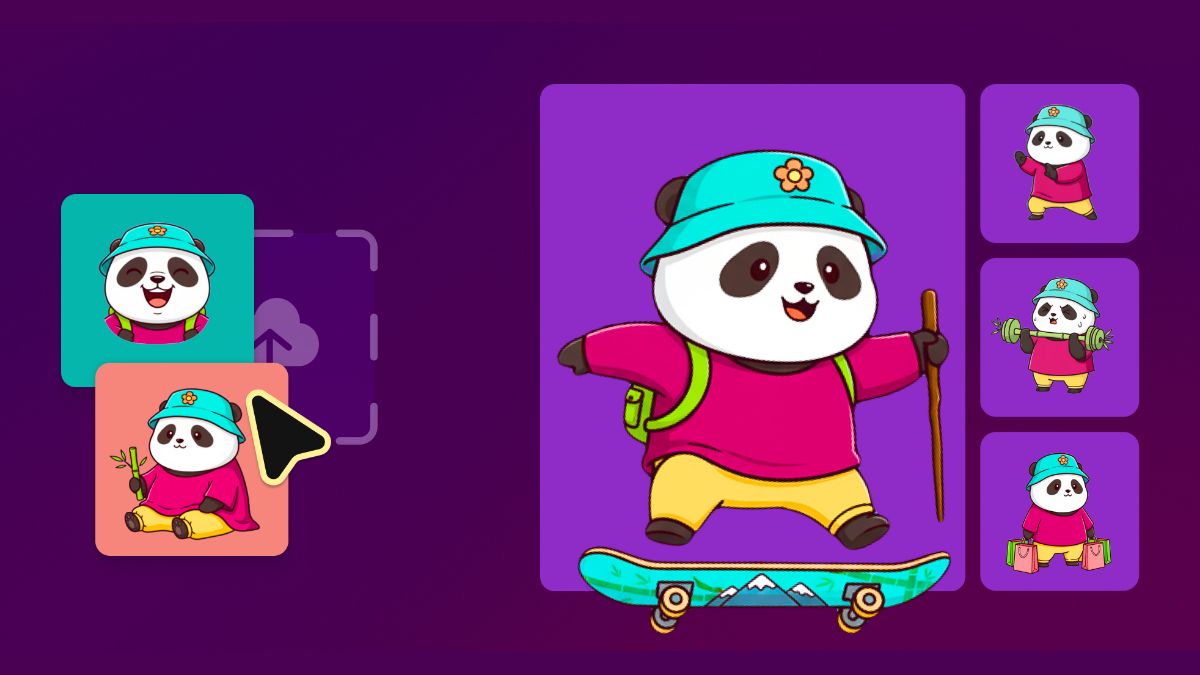
4.4. Maintain consistency when using AI.
- 4.4.a Adapt AI to match specific art styles and tones.
4.4.b Use custom models trained on project specific design assets.
4.5. Utilize Adobe Firefly’s integration features to adapt and refine AI-generated visuals across Adobe Creative Cloud workflows.
- 4.5.a Refine creation with other Adobe products.
Resources & Tutorials
.avif)


.avif)
5. Testing and Feedback
5.1. Define methods for testing designs.
- 5.1.a Understand the use of different testing methods.
i. Key Concepts: Mockup interaction, preliminary/Beta testing, A/B testing, prototypes, concept testing
5.2. Analyze, synthesize, and evaluate design effectiveness.
- 5.2.a Analyze feedback to evaluate designs.
i. Key Concepts: success metrics, functionality, behavior, data from testing, feedback
5.3. Iterate to refine and finalize work.
5.4. Interview stakeholders and document feedback.
5.5. Interpret results of stakeholder and customer qualitative feedback on a design.
Resources & Tutorials

.avif)

.avif)
6. Implementation and Delivery
6.1. Prepare and package final design assets.
- 6.1.a Finalize and format project deliverables.
i. Key Concepts: documentation case study, file organization/repository management, file types for different types of output – social media content, marketing materials, presentation graphics, lossy and lossless
6.2. Use Content Credentials and Adobe Content Authenticity to sign final work.
Resources & Tutorials
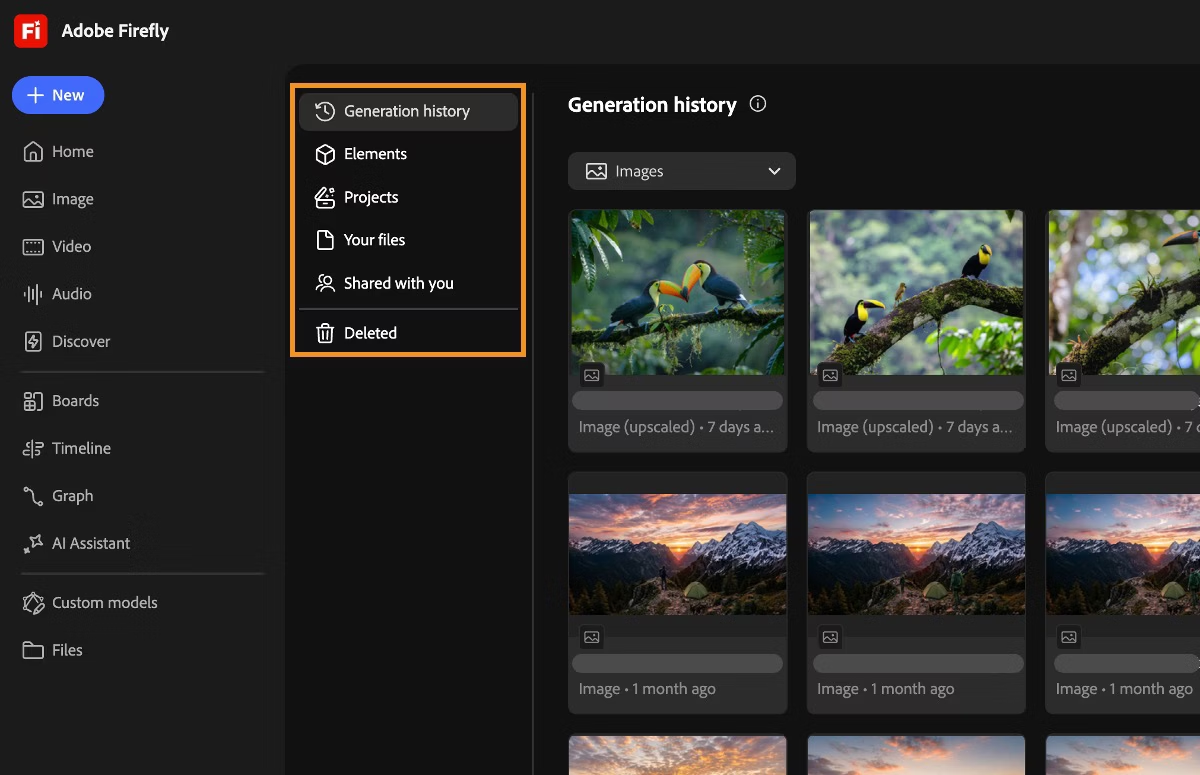


Sample questions from the CertPREP practice tests.
Industry credentials for digital creators.

CertPREP Practice Tests sample items

Earn specialty credentials.
Become an Adobe Certified Professional.
Certification is more accessible than ever before. Schedule an online exam or visit a Certiport Authorized Testing Center to showcase your skills.


